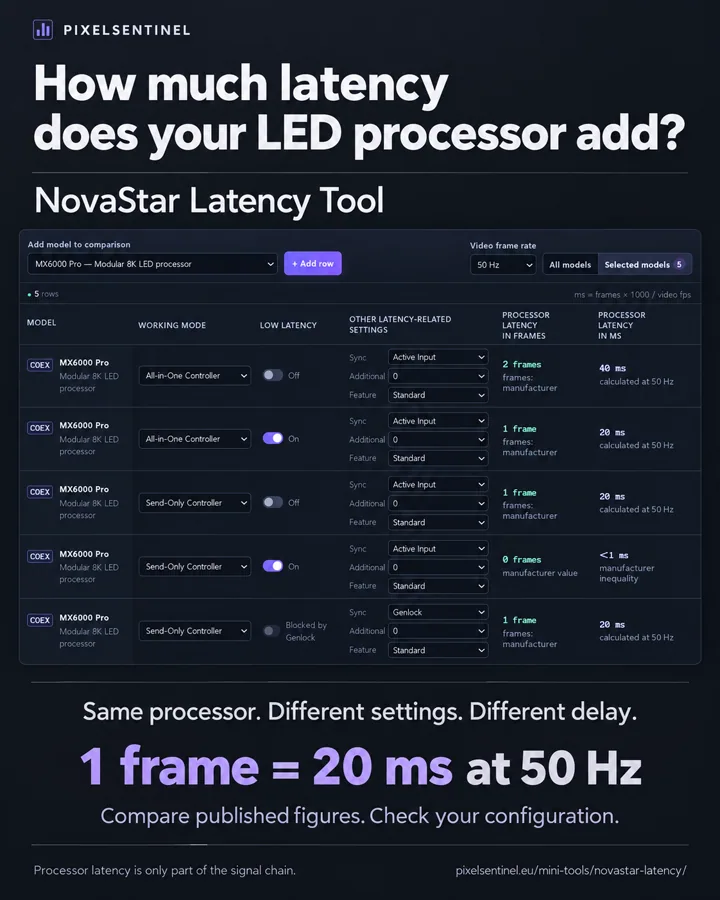
01 · NOVASTAR / LATENCY
FOR AV TECHNICIANS & INSTALLERS
Practical tools.
Built for real installations.
Go from a real installation problem to the right tool — without a generic software suite in the way.
CORE PRODUCTS
Start with the workflow you need.
Or continue to focused Mini Tools for quick technical answers.
LED WALL SERVICE
IM Locator
Find the exact module. Right on the wall.
Open IM Locator
Configure a licence for your BrightSign player.
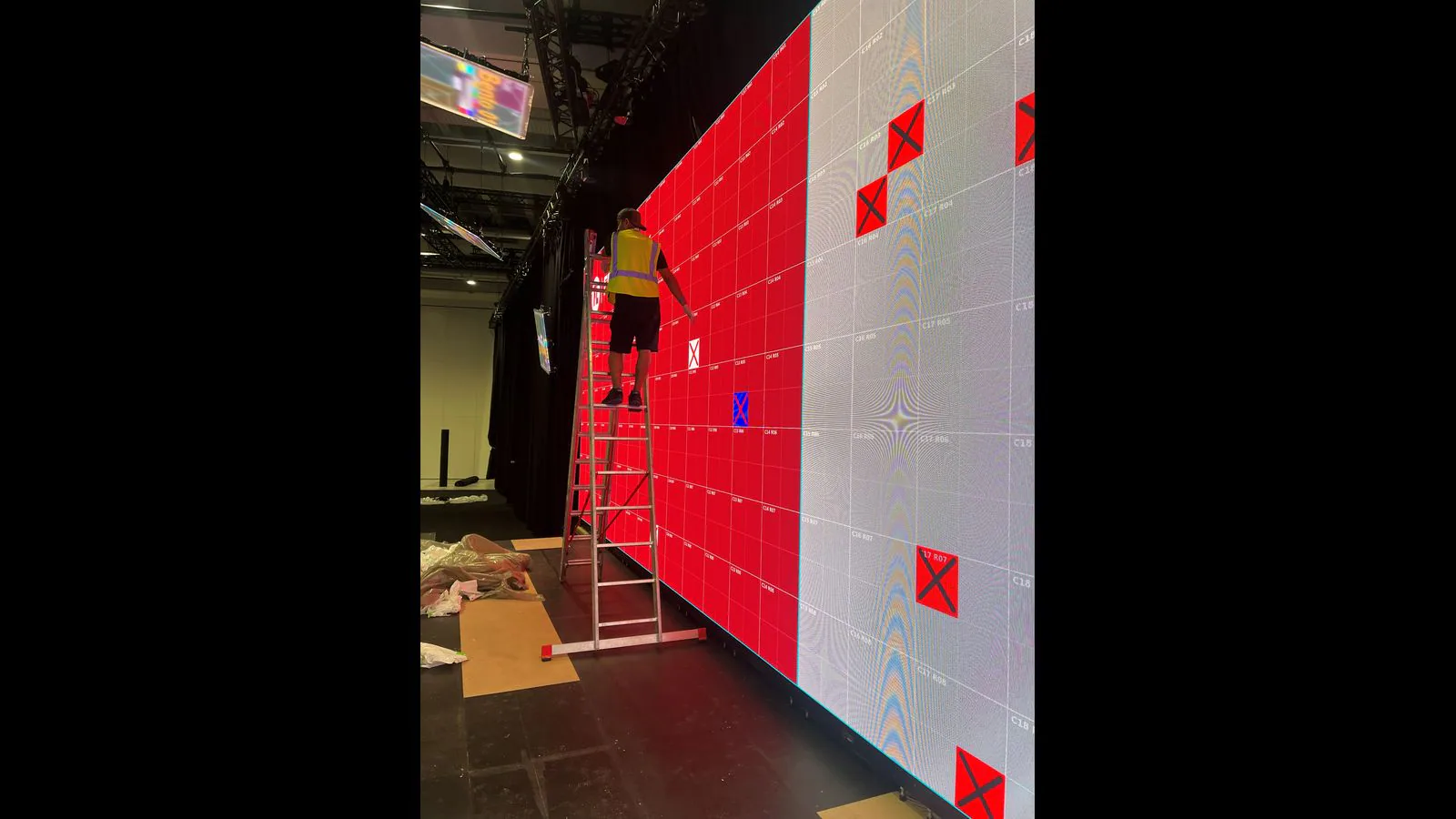
Select a module or individual IM from your tablet and show its position directly on the LED output through your BrightSign player.
- Module & IM identification
- Service patterns & Dirty Spot
- Tablet control over your local network
DISPLAY LAYOUT & PLAYBACK
BrightSign Configuration Tool · ScreenCanvas
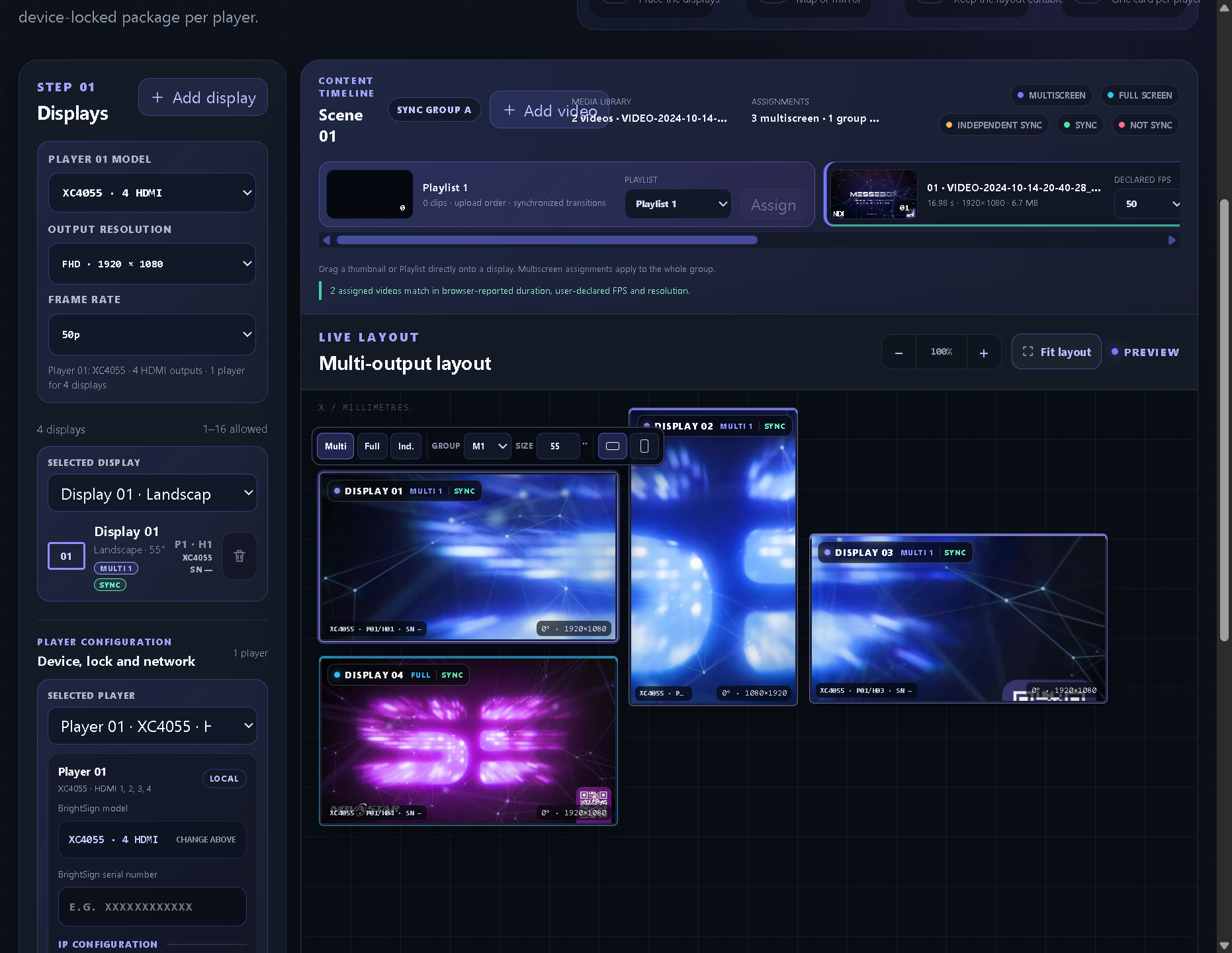
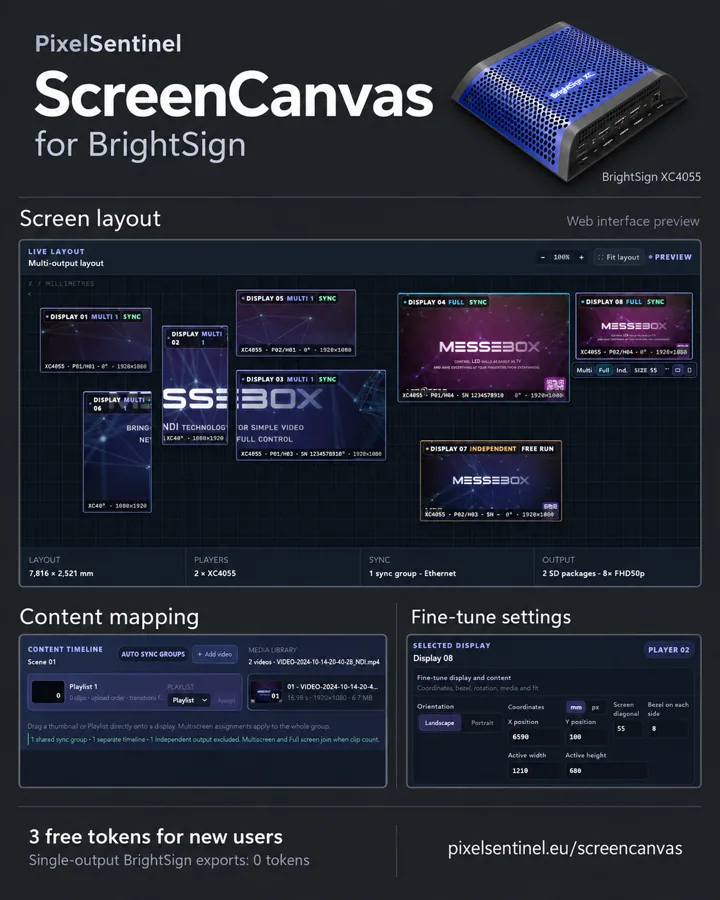
Online BrightSign configuration and multiscreen preparation — from layout to playable SD cards.
Open BrightSign Configuration Tool
3 free tokens included. A single-output export costs 0 tokens. Player serial number required for export.
Arrange screens at real size, assign videos or playlists, and generate a device-locked SD package for each BrightSign player.
- 1–16 displays · FHD & 4K output options
- Multiscreen groups, full screen & playlists
- Saved layouts · local SD playback
FROM SCREEN TO SITE
Built around the work technicians actually do.
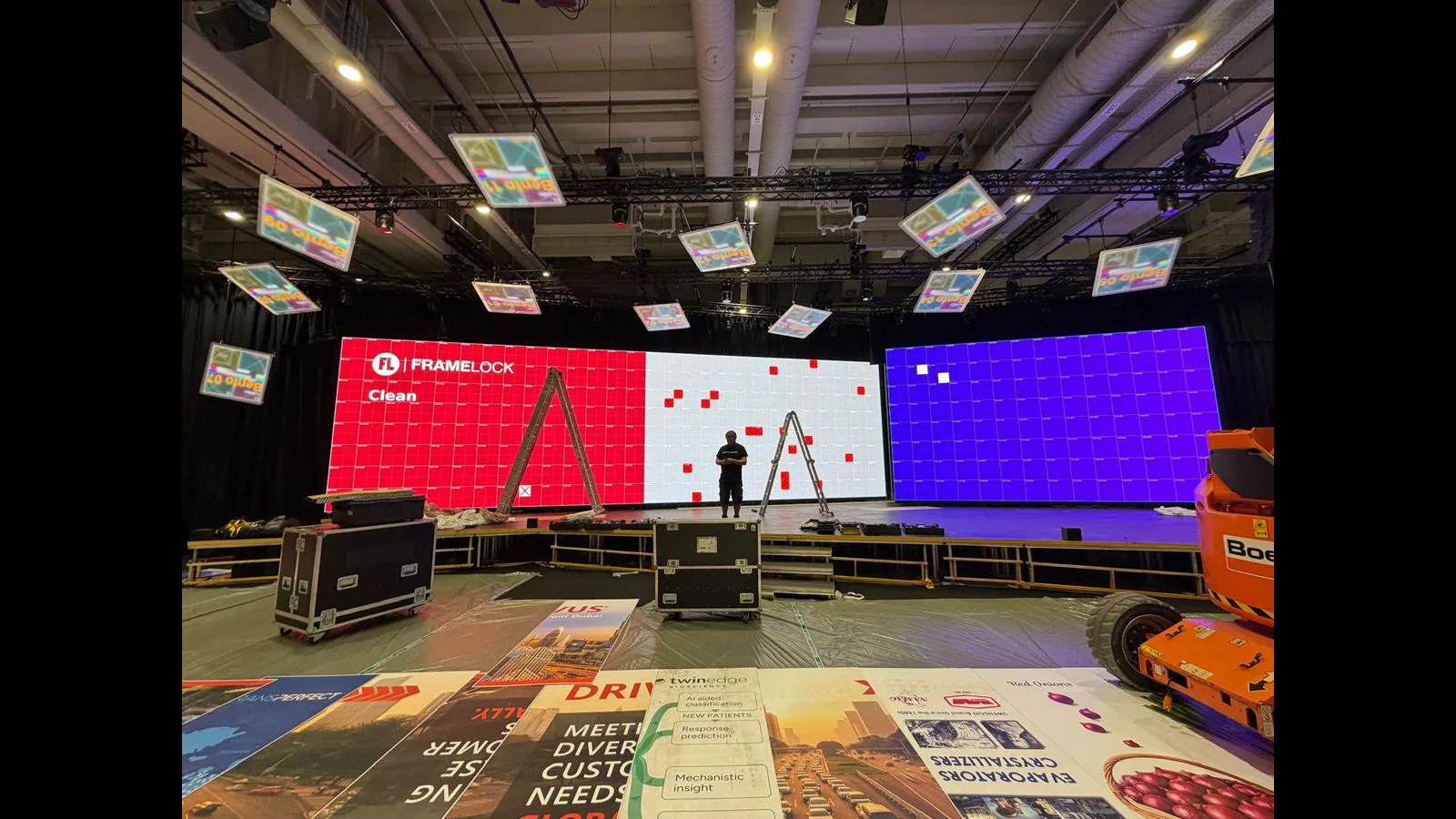
Real installation material and the actual browser tools — not stock imagery or invented case studies.
PIXELSENTINEL MINI TOOLS
Small tools. Fast answers.
Focused browser utilities for AV technicians. More tools will be added here.
CUSTOM SOLUTIONS
Your installation may need a tool that does not exist yet.
PixelSentinel is built around real BrightSign and NovaStar workflows. If an off-the-shelf product does not fit your installation, describe the task, the hardware and the result you need.
Potential custom work can include:
- installation-specific browser utilities
- layout, configuration or export workflows
- focused calculators and technical checks
Feasibility and scope are assessed individually. PixelSentinel is independent and is not affiliated with or endorsed by BrightSign LLC or NovaStar.
BrightSign hardware is not included. Media compatibility and synchronization depend on the selected players, settings and network; test your installation before an event.